WordPress plugin

WPFixPath Redirect & Internal Link Auditor

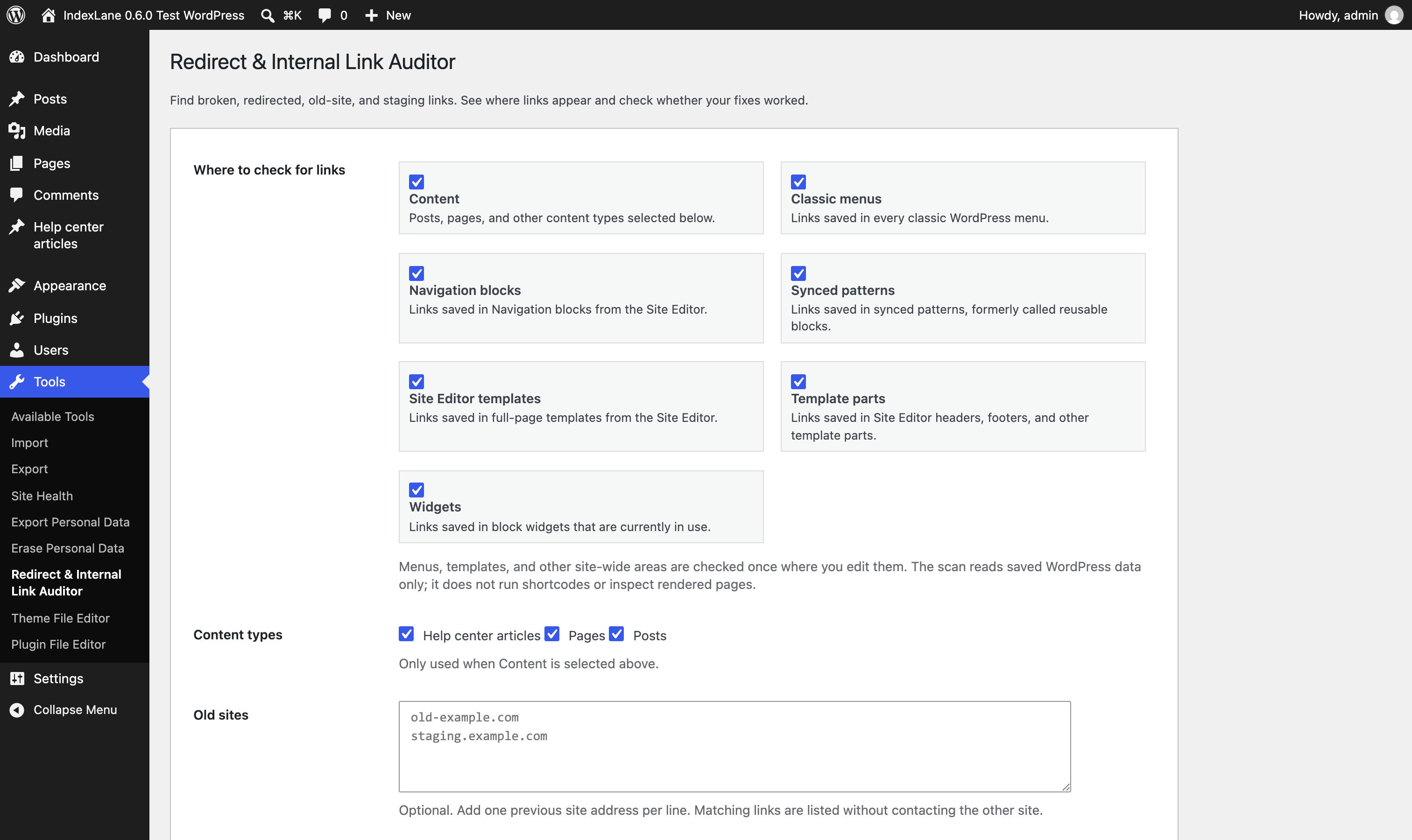
Find broken, redirected, old-domain, and staging-domain links inside WordPress post, page, and product content.

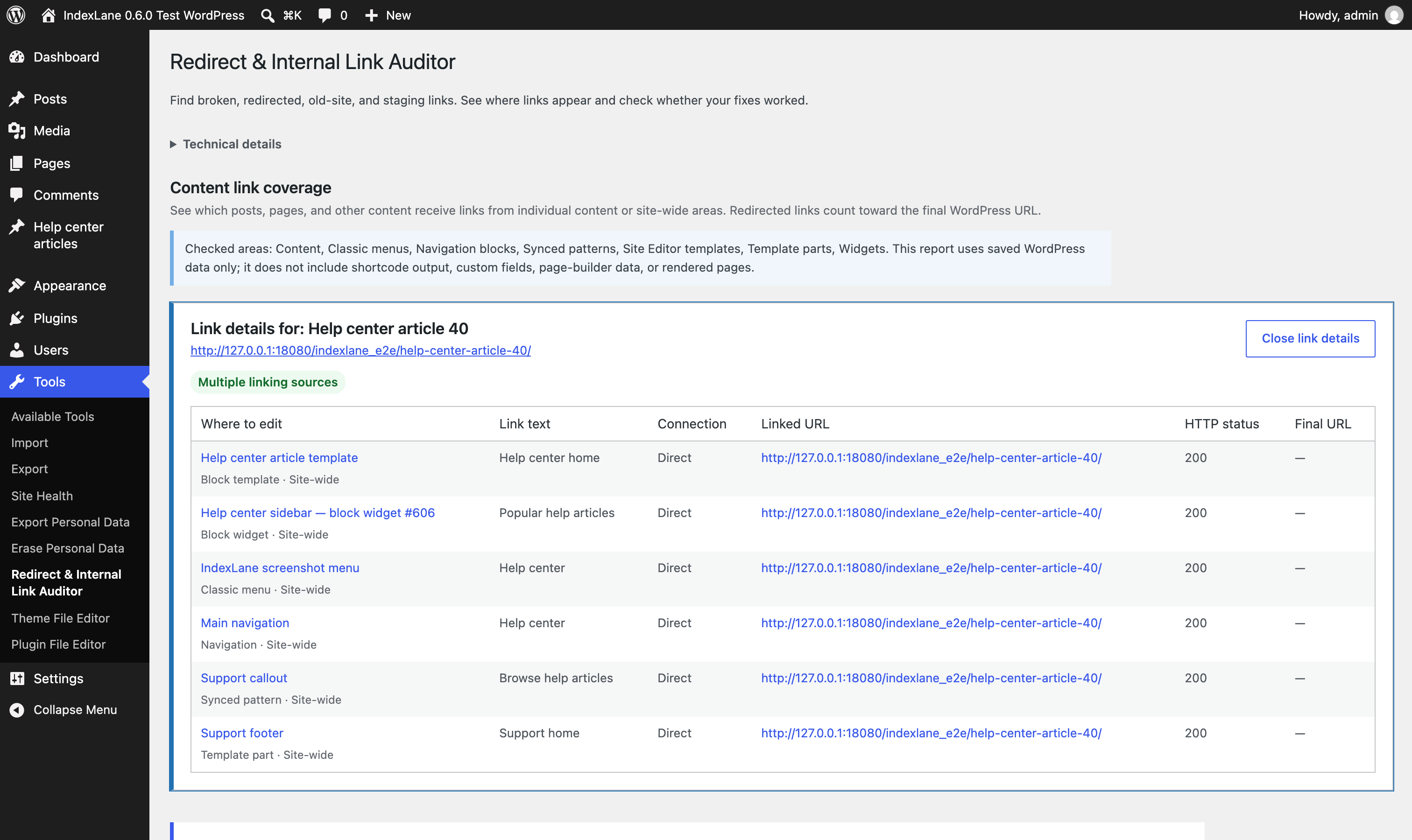
The plugin builds a cleanup table with the source page, linked URL, HTTP status, redirect count, final URL, warning, anchor text, and result label.

Runs in wp-admin. Read-only. CSV export.

Version 0.1.2 Free WordPress plugin GPLv2 or later Read-only Manual ZIP GitHub source

Admin screen

Tools → Redirect & Internal Link Auditor

Input

Post, page, and product content. Optional old-domain list.

Output

A cleanup table with source pages, linked URLs, status checks, warnings, and CSV export.

Scope

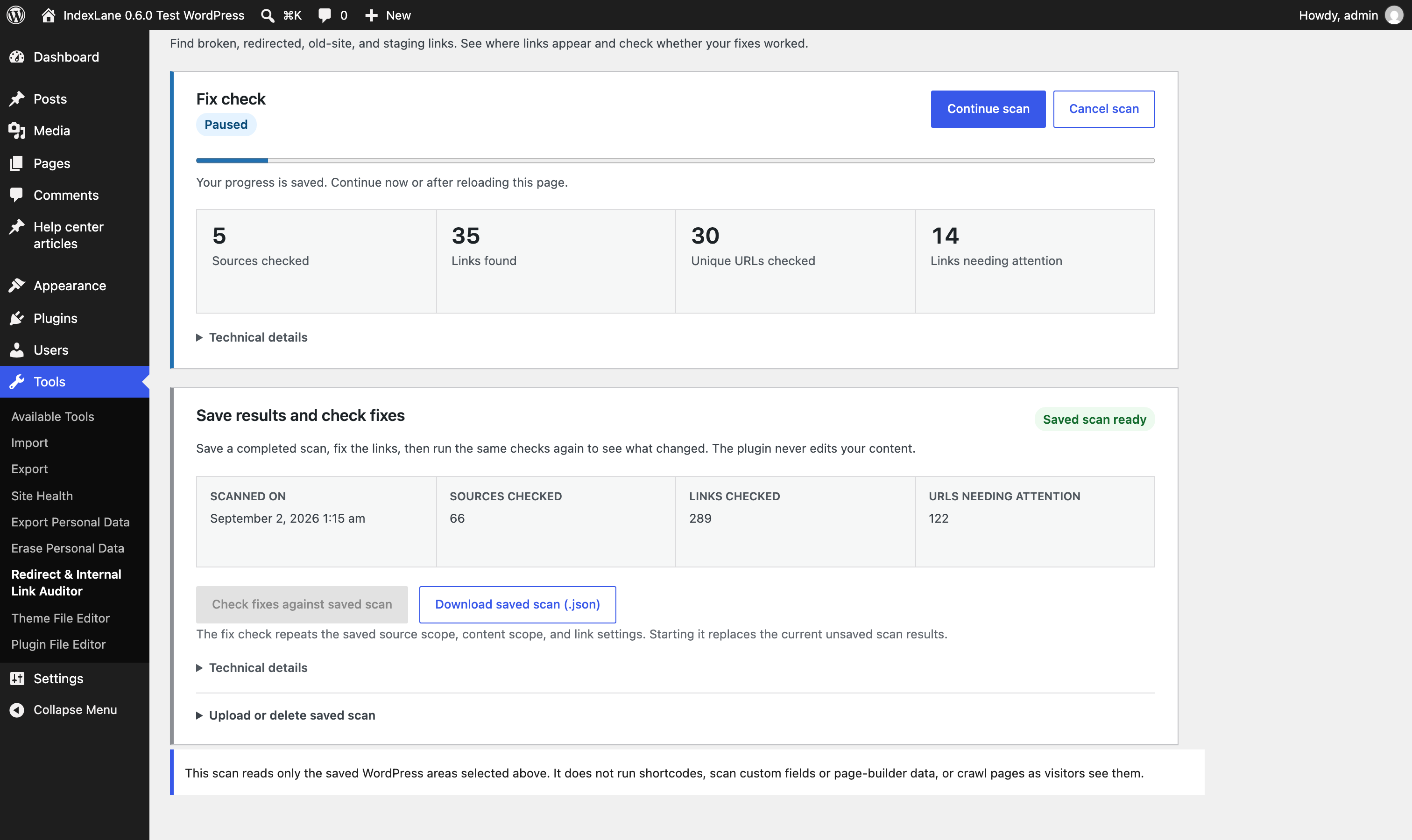
Runs manually and stays read-only.

Useful for

Redirect cleanup after site migrations or URL changes
Internal 404 and 410 cleanup inside WordPress content
Old-domain links left inside posts, pages, or products
Staging and development-domain residue before launch
Agency overflow checks before cleanup work
CSV evidence for a bounded internal-link cleanup list

What it checks

Links found in WordPress content.

The plugin extracts links from selected posts, pages, and products. Same-site targets are checked; old-domain and staging-domain links are flagged for review.

Post, page, and product content links
404 and 410 links
301 and 302 redirects
Redirect chains
Old-domain links
Staging/dev-domain links
Source post/page evidence
Anchor text
CSV export

Result table

Source page, linked URL, and conservative status labels.

Labels are conservative. They point to cleanup work; they do not predict rankings.

CSV export includes

Source post/page, source type, source URL, linked URL, HTTP status, redirect count, final URL, warning, anchor text, and result.

Labels are conservative: OK, Warning, Blocked, Error, and Needs review.

Data handling

Runs on demand inside WordPress admin.

Checks run on demand inside wp-admin. Results are shown for the current run and can be exported as CSV.

The plugin does not create an account, call an IndexLane/WPFixPath service, or add frontend tracking.

Limits

A content-link diagnostic, not a full crawler.

Version 0.1 scans links found in WordPress post, page, and product content. It does not crawl menus, widgets, theme templates, page-builder metadata, shortcode output, or rendered frontend pages.

Same-site link targets are checked. Old-domain, staging, and development-domain links are flagged for review but not fetched.

It does not replace links, bulk edit content, schedule scans, create database tables, crawl external sites, or add admin sales boxes.

Release

Version 0.1.2 is available as a manual ZIP download.

Source code is available on GitHub.

Source on GitHub